
There are a couple of scenarios that can result in errors being displayed in the customer hub - this article explains them and what action to take.
If this is your first time contacting the new TrustQuay service desk it is possible that we don’t hold your details on our CRM system. If this is the case then you may see the following error when you attempt to access the Customer Service Dashboard.

In this scenario, please raise a ticket with the service desk in the manner described above, which will automatically resolve the issue (the contents of the ticket are not important).
When first registering for the Customer Hub, it is possible that may see the following error when you hit the "Confirm my account" button in the registration email:
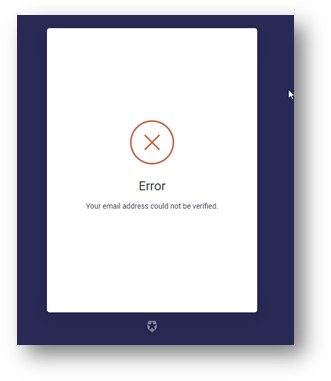
This is due to a URL re-write issue with Mimecast (an email security screening tool that you may be using in your organisation). Please ignore this error - your registration has completed successfully!